Upgrade Your Workflow with One Simple Tool
Category: Computers
$62.99
If you work on a computer every day, your mouse isn’t just an accessory — it’s a productivity tool.
The Logitech MX Master 3S is designed for professionals who want speed, precision, and comfort in one premium mouse. But is it really worth around $90 to $120? Let’s find out.
1️⃣ Design & Comfort
The MX Master 3S features:
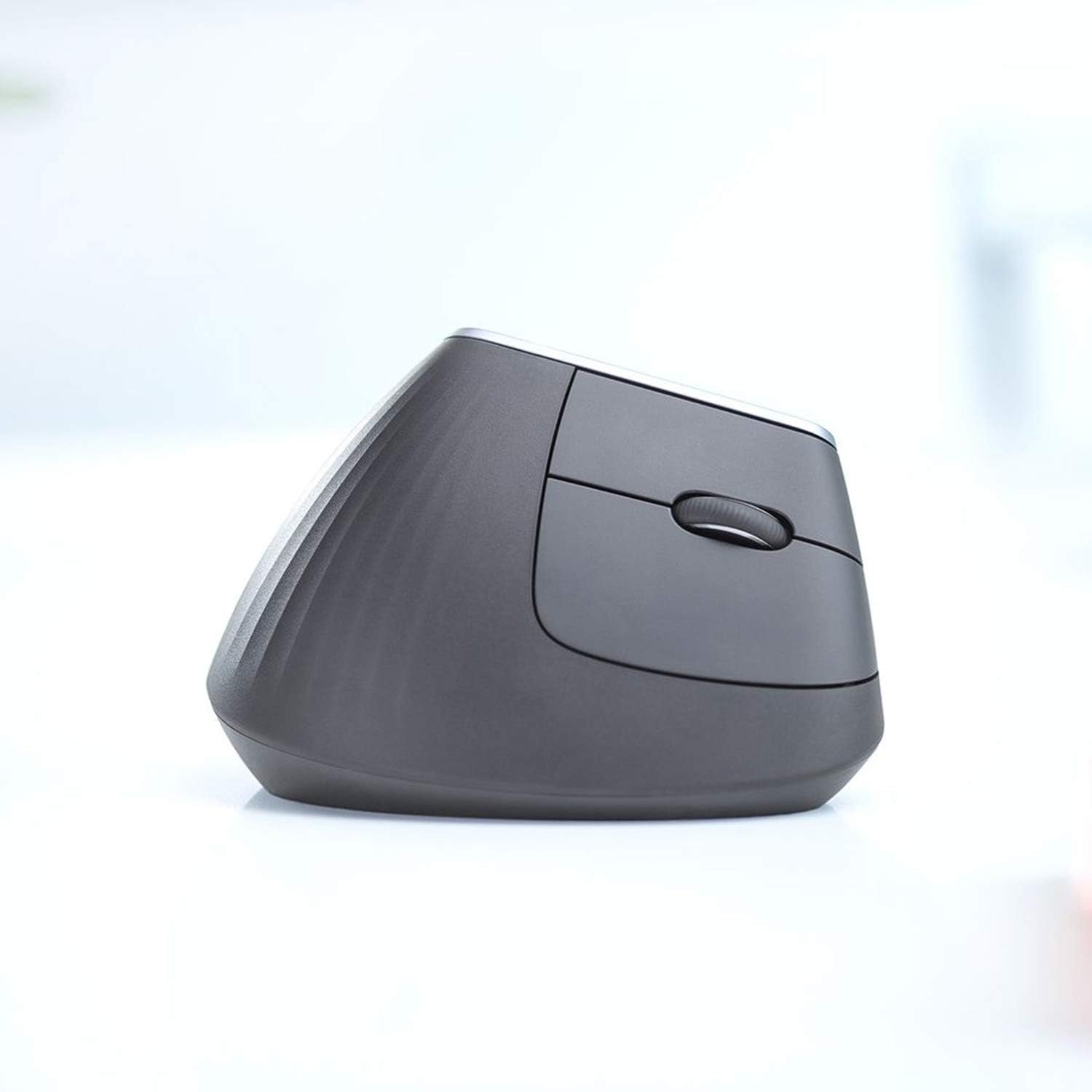
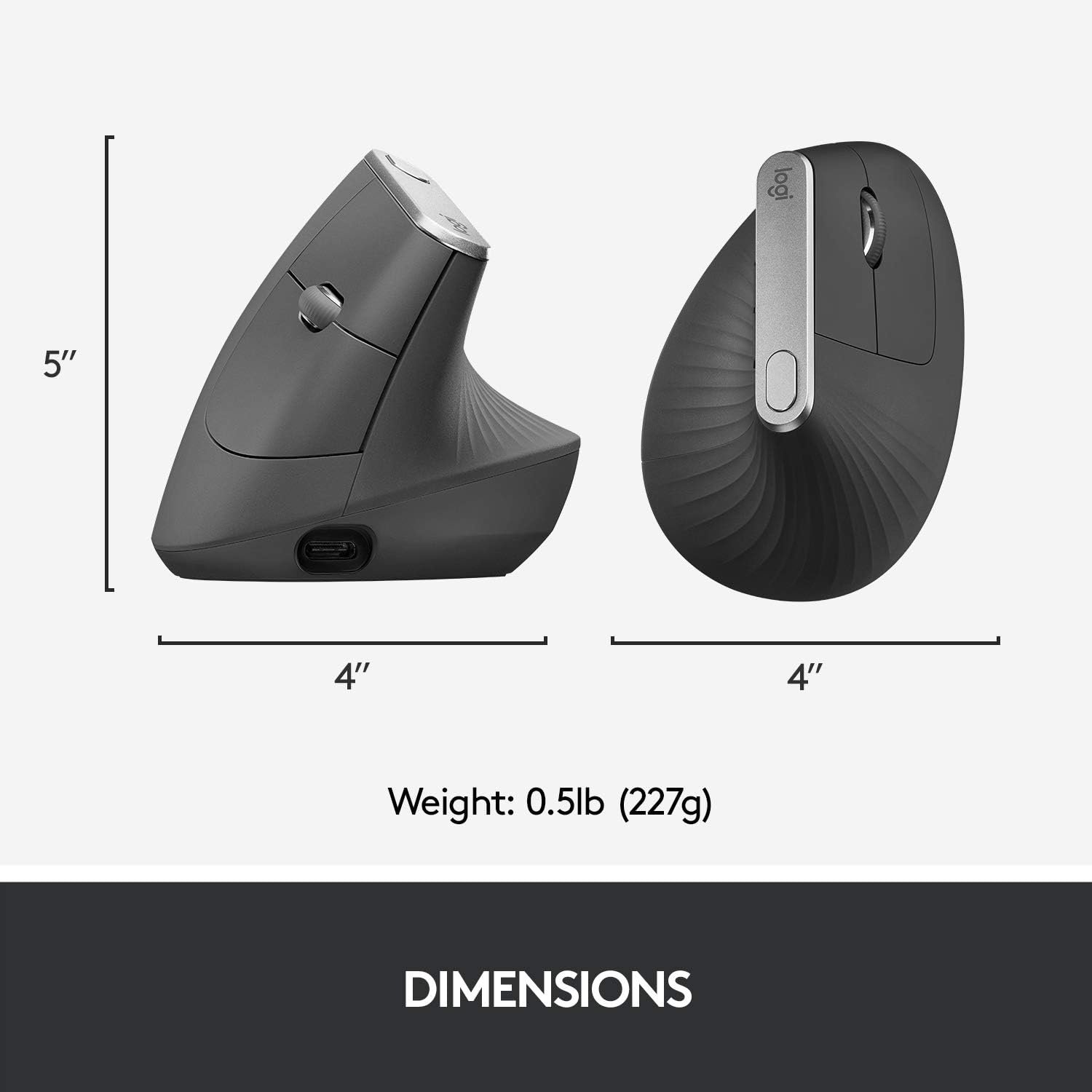
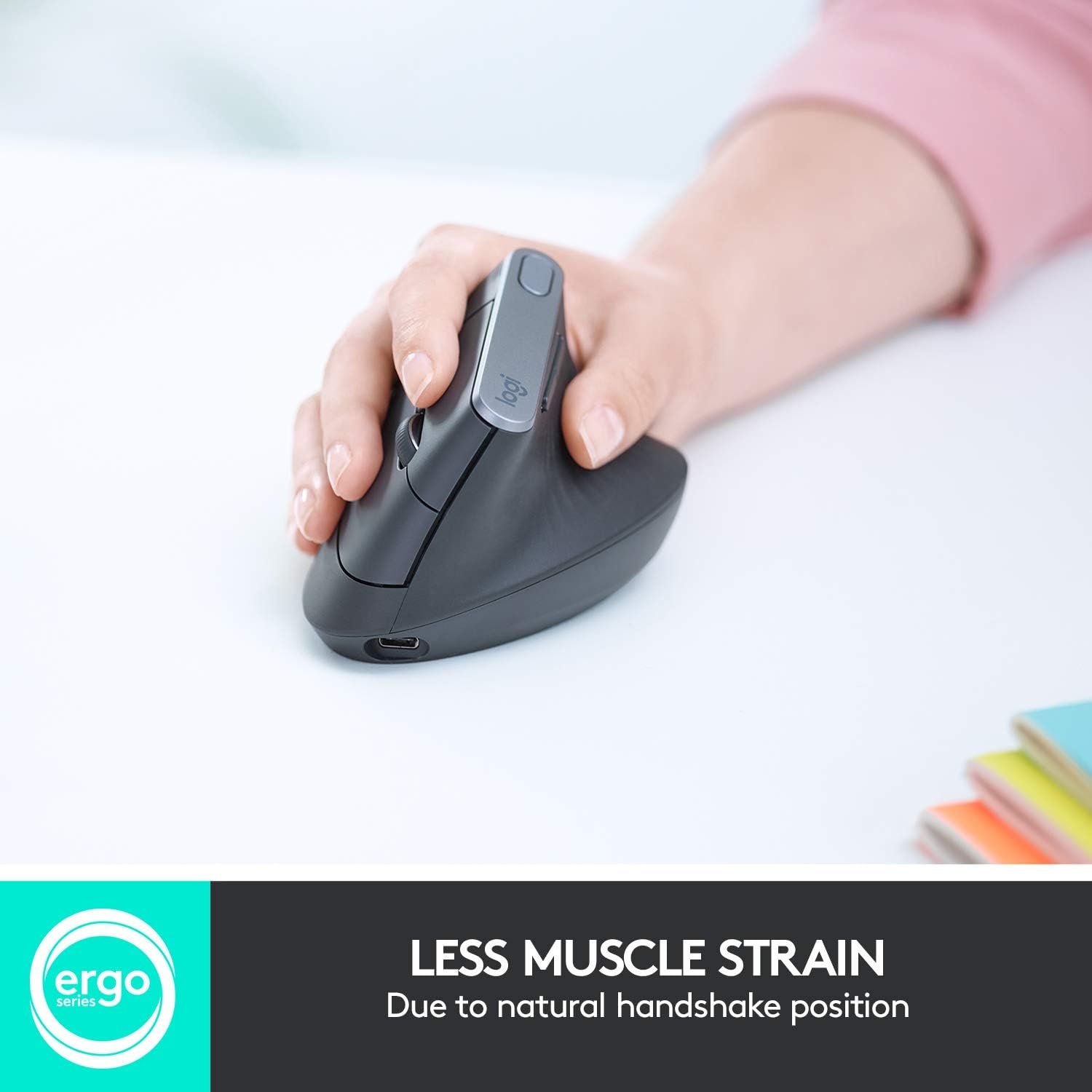
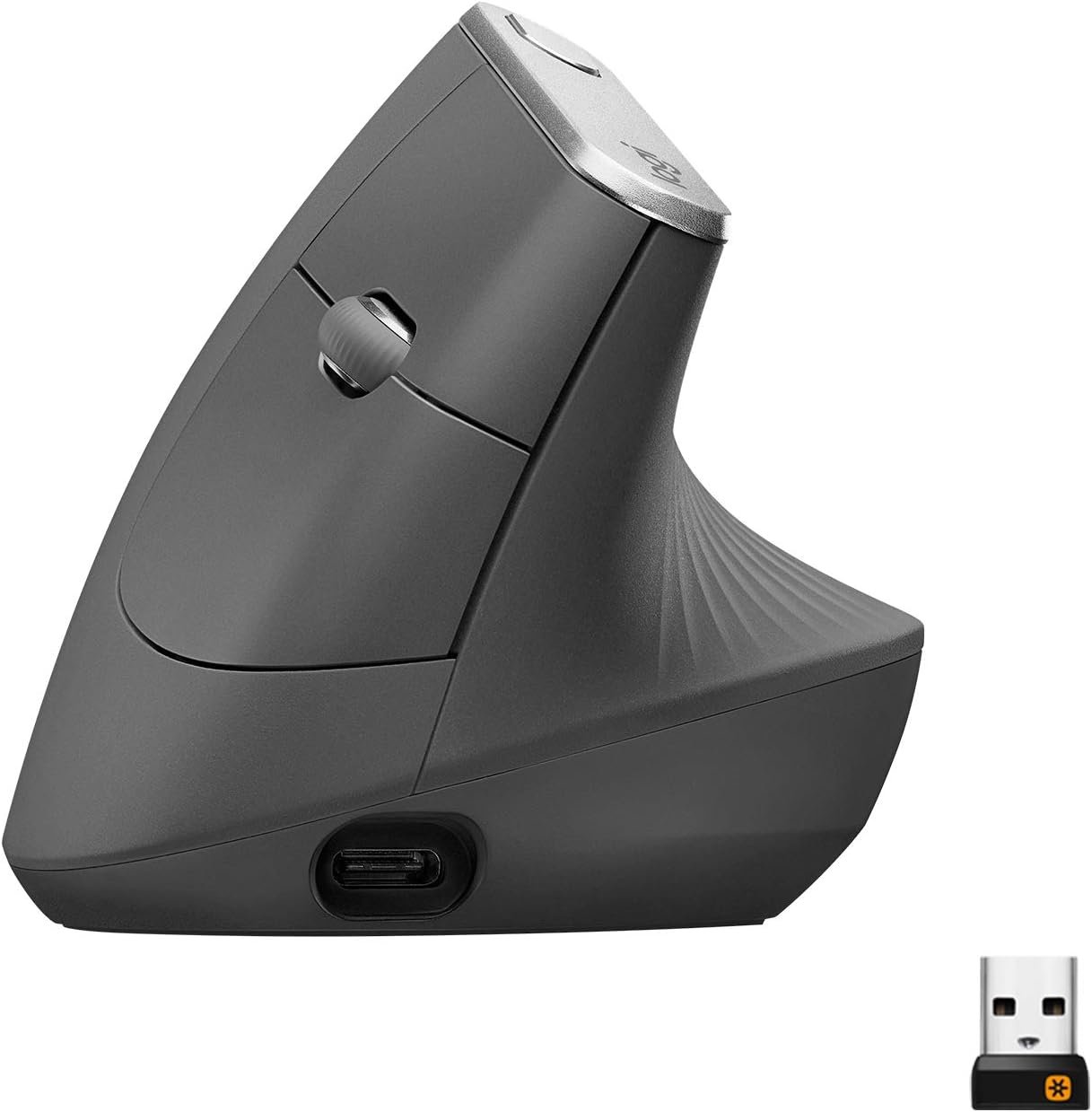
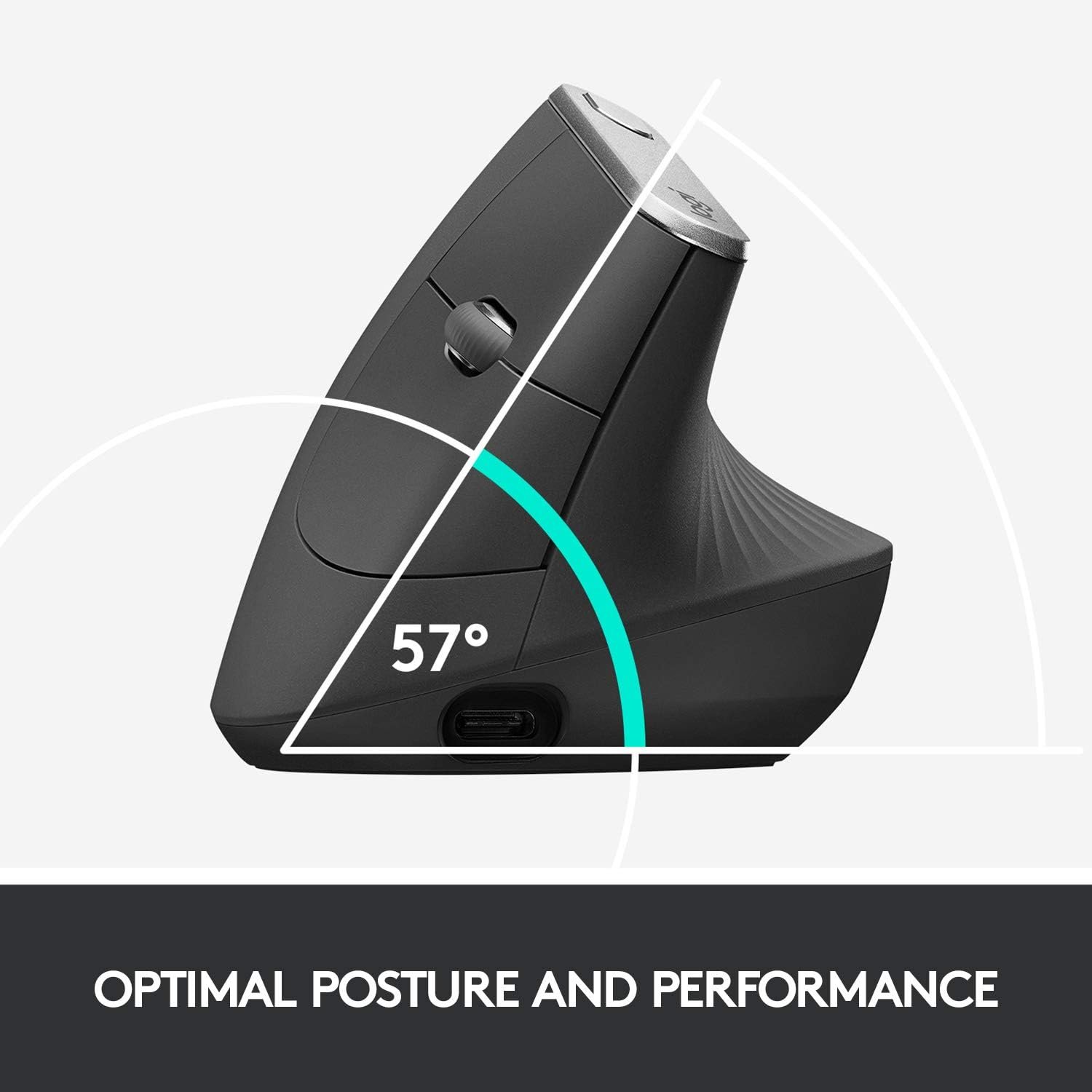
• Ergonomic shape that fits naturally in your hand
• Soft-touch material for better grip
• Thumb rest for long work sessions
• Premium, minimal design
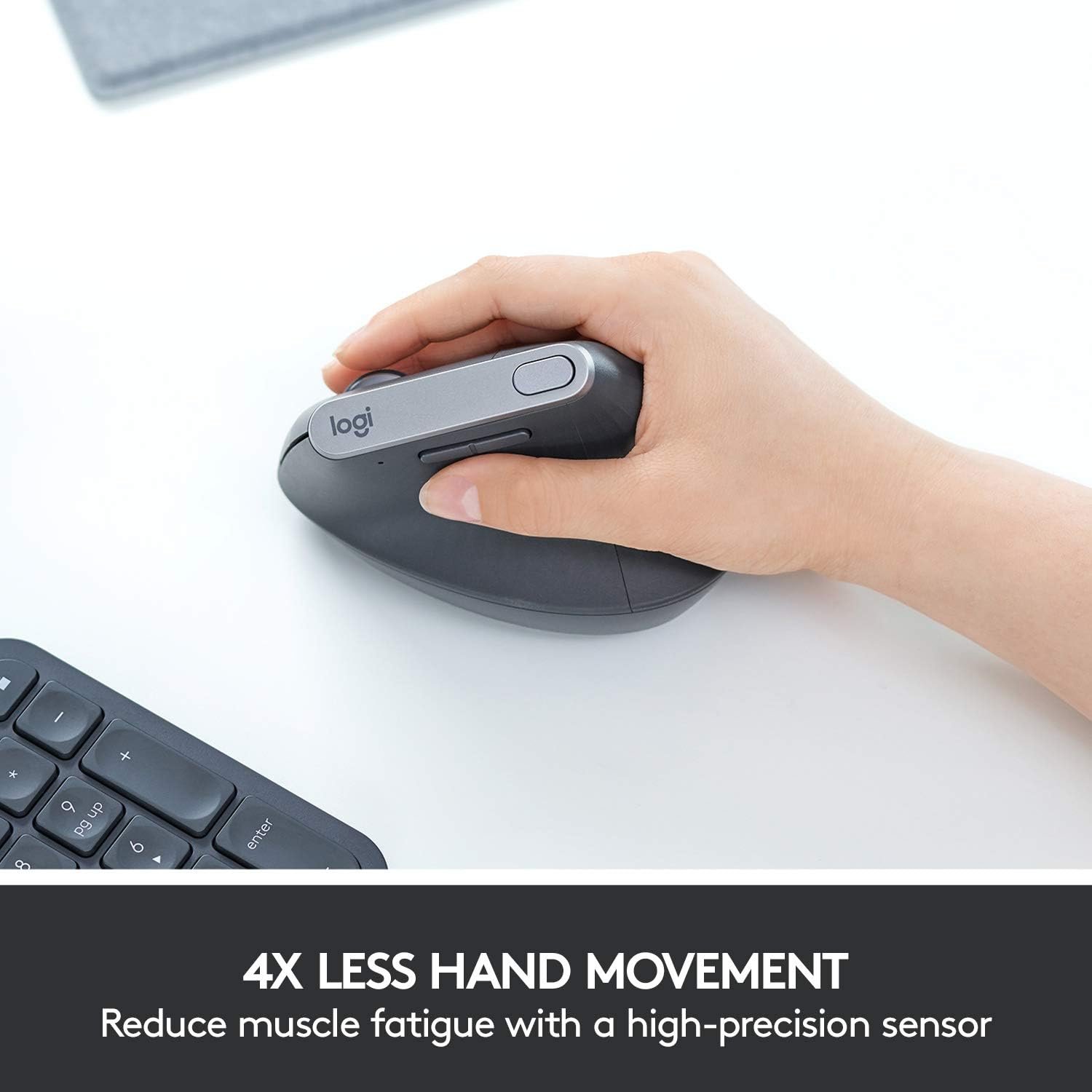
You can use it for hours without hand fatigue — perfect for office work, editing, or coding.
2️⃣ Precision & Performance
It comes with an 8K DPI sensor that works on almost any surface — even glass.
Scrolling is ultra-smooth and precise thanks to the electromagnetic MagSpeed scroll wheel.
That means:
• Faster navigation through long documents
• Precise control for design work
• Better accuracy for detailed tasks
3️⃣ Silent Clicks
The 3S version features quiet clicks — ideal for shared offices, remote work, or late-night sessions.
4️⃣ Multi-Device Workflow
You can connect to multiple devices and switch between them instantly.
It works with macOS and Windows and supports seamless cross-device file movement.
Perfect for people using both a laptop and desktop setup.
5️⃣ Battery Life
Up to 70 days on a full charge.
Quick charge gives hours of use in just minutes.
No daily charging stress.
Final Verdict
If you spend 6–10 hours a day on your computer, upgrading your mouse can noticeably improve comfort and efficiency. The Logitech MX Master 3S remains one of the best productivity mice in its price range.
Buy Now →